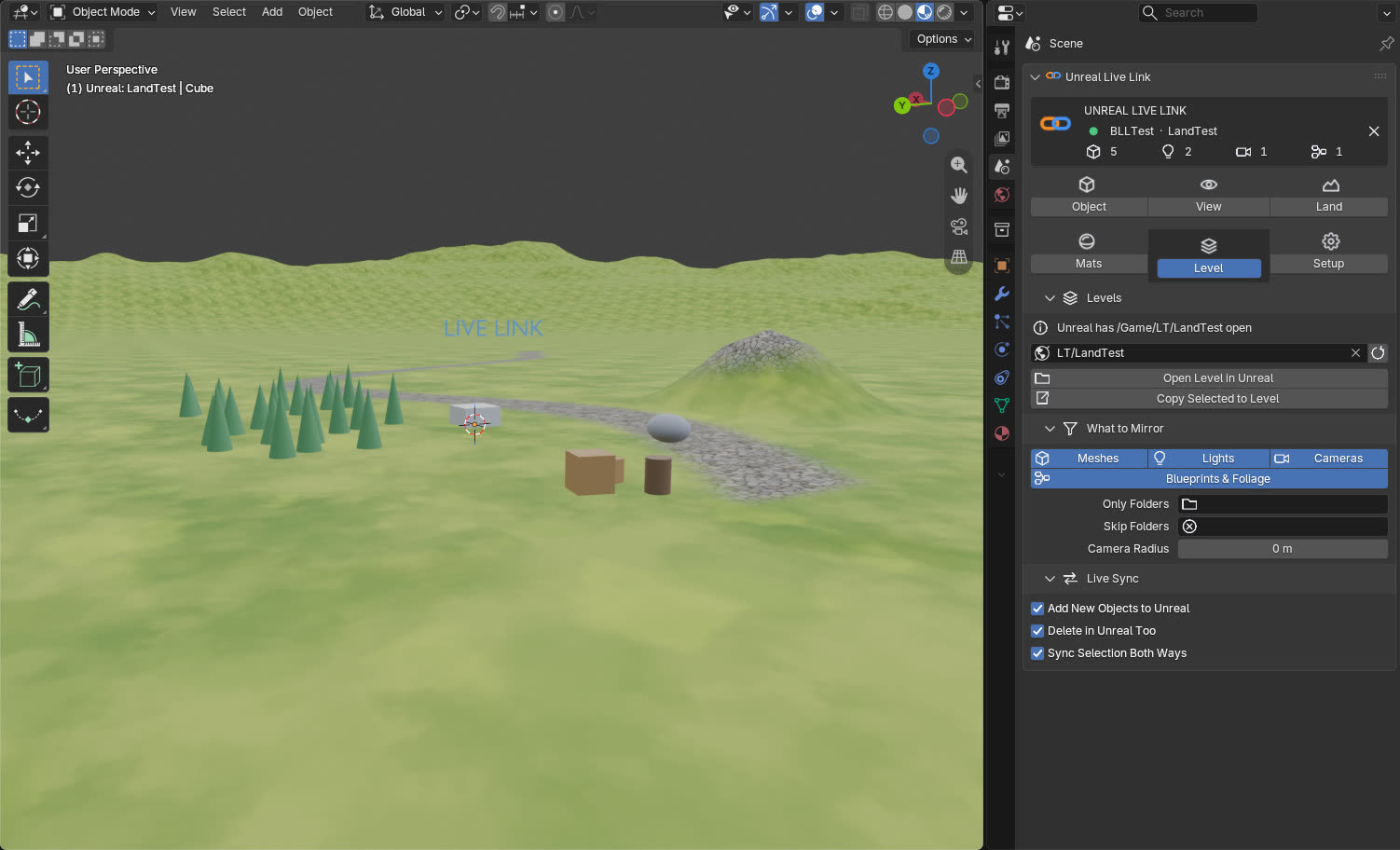
How is it different from export add-ons and other live links?
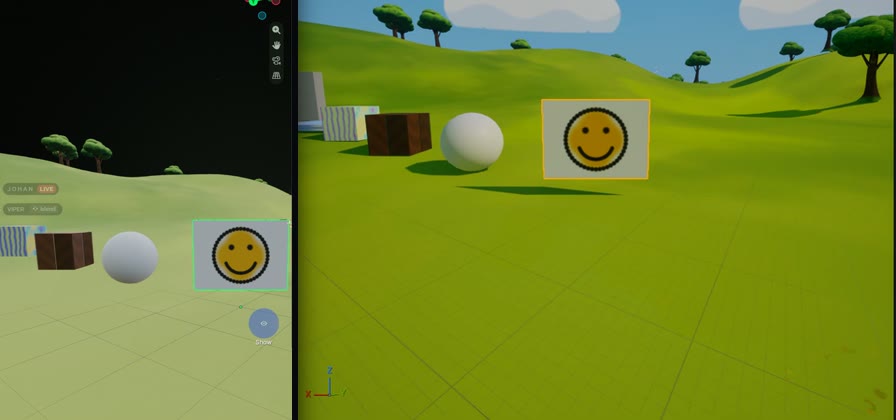
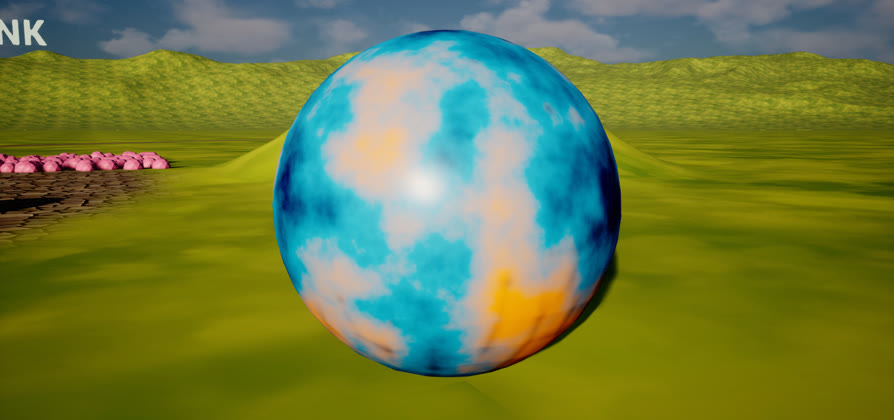
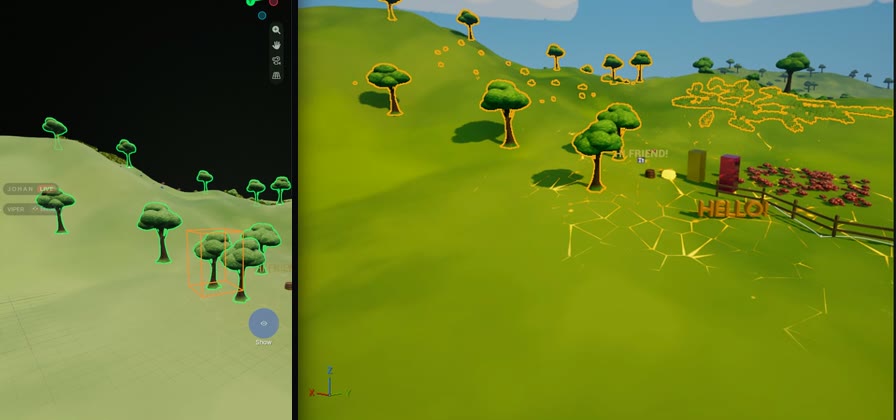
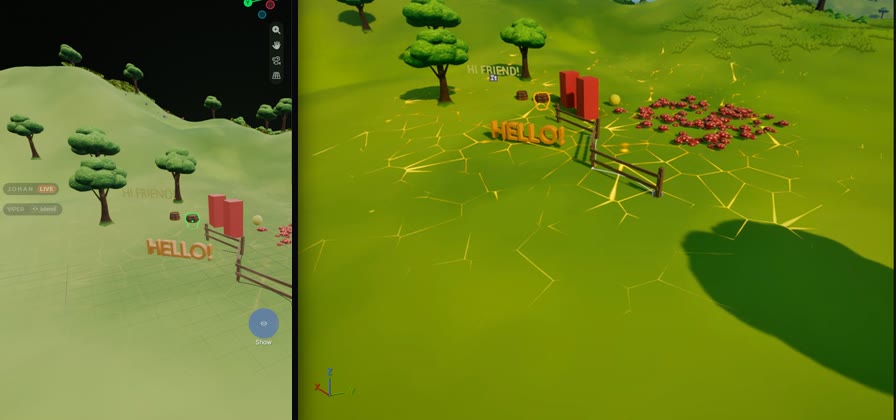
Export add-ons copy a mesh to Unreal when you ask, and live-sync add-ons re-export it when you stop editing, both in one direction only. Venom Bridge Link mirrors the whole level both ways while you work, and it does things none of them list: live landscape sculpting and paint layers, single foliage instances, Blueprint splines, live texture painting and Exact Materials that run Cycles' own maths in Unreal.
Is it really live, both ways?
Yes. Move, model, paint or sculpt in Blender and Unreal follows while you drag; change something in Unreal and Blender follows. Selected actors are checked at 45 Hz for live drags, and Blender only re-reads what has changed, so both apps stay responsive.
Will it mess up my Unreal project?
It is built to be safe. Every change from Blender is one undo step in Unreal, the link deletes no assets, and if more than 25 linked objects are deleted at once nothing happens in Unreal until you click Delete in Unreal or Restore. Meshes made in Blender go to /Game/BlenderLink/, and editing one of Unreal's own meshes makes a safe copy unless you choose Edit Original, which backs it up first.
Can I keep working when Unreal is closed?
Yes. Close Unreal and keep moving, editing, adding and deleting in Blender. When the project is open again, the link reconnects by itself and asks which side wins: Merge Changes, Blender Wins or Unreal Wins. Nothing is built, sent or removed until you choose.
What do I get free, and what needs Pro?
The free download is the Blender add-on on its own. Every live and sync feature needs Pro, because the syncing is done by the Unreal plugin that comes with Pro and is activated with your licence key. With the add-on alone, Blender can connect to Unreal, but nothing is mirrored either way.
How does the licence work? Do I need to stay online?
You pay once; there is no subscription. Your key activates the Unreal plugin on up to 2 PCs, and Deactivate This PC moves a seat to a new computer. You don't need to stay online: when the PC has internet, the licence quietly checks in every few days, and a PC can work without internet for up to 30 days in a row. It only needs to go online once in that time to check in. If a PC goes longer than that, the link pauses until it has checked in again; your Blender and Unreal files stay exactly as they are.
Does any of my work go online?
No. The two apps talk over 127.0.0.1 on your own PC. The licence check sends only the key and an instance name (computer name and machine code), never project data.
Does it handle big levels?
On a 270-actor level the typical Unreal editor cost is about 1.1 ms per frame. For larger levels, mirror only what you need: a Camera Radius around Unreal's viewport camera, or only some Outliner folders. World Partition regions stream in as Unreal loads them.
Which Unreal and Blender versions are supported?
Unreal Engine 5.8 on Windows and Blender 5.2. Always use the Blender add-on and the Unreal plugin from the same release.
Do I need the Foliage Helper?
Everything works without it except foliage editing, landscape grass and rebuilding Blueprints along splines edited in Blender. It is a small compiled editor plugin included with Pro; copy it into Plugins next to the link.

 BlenderUnreal